
RunOps Digital
RunOps Digital vs ClickUp
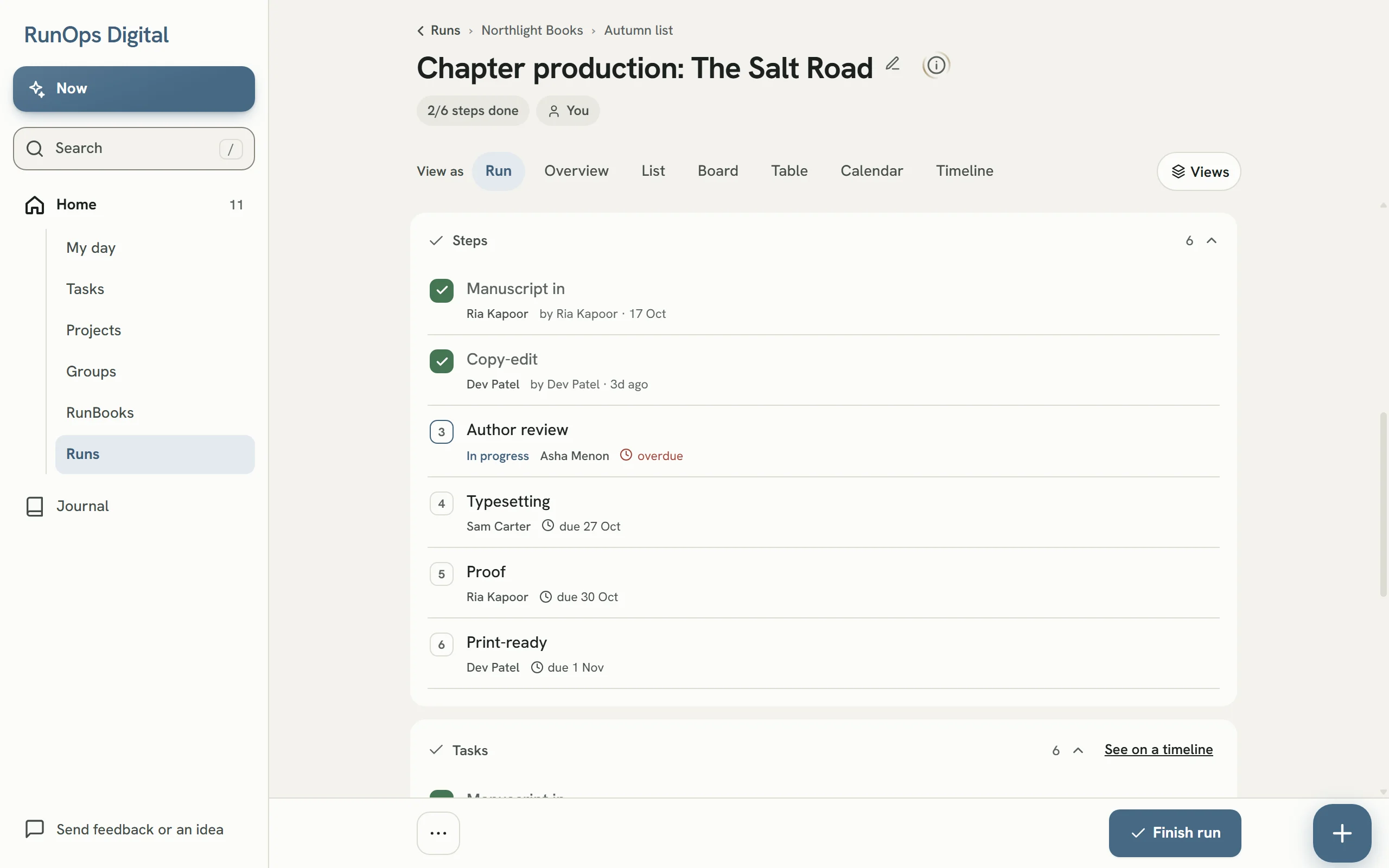
ClickUp tries to be one place for every kind of team work: tasks, docs, many views, automations and integrations. It is a good choice if your team likes to configure. RunOps Digital needs no configuring: a job written once as steps with a name on each, which tells each person their turn and follows up.
Choose RunOps Digital when…
- You want a job running this week without configuring a tool.
- The hard part is getting other people to act and being chased.
Keep ClickUp for…
- You want one configurable tool for tasks, docs and many views.
Side by side
| What is compared | ClickUp | RunOps Digital |
|---|---|---|
| Views of work | ClickUp offers many views of tasks, from List, Board and Table to Gantt, Timeline, Workload and Map. | Its tasks as a list, board, table, calendar or Gantt. |
| Integrations | ClickUp lists 118 built-in integration features. | Nothing for people to install: they act from a link, Telegram or email, and tasks with a due date go to your own calendar. |
| Outside people | ClickUp lets you invite clients and contractors as guests who only see and edit what you share with them. | People you invite open a link, in any browser or in Telegram, and do their step; no account needed to start. |
Where this comes from
Each claim about ClickUp was read on its own site; the address and the date are given with it.
- ClickUp offers many views of tasks, from List, Board and Table to Gantt, Timeline, Workload and Map. clickup.com, read 2026-10-29.
- ClickUp lists 118 built-in integration features. clickup.com, read 2026-10-29.
- ClickUp lets you invite clients and contractors as guests who only see and edit what you share with them. clickup.com, read 2026-10-29.
Questions
Can I use ClickUp and RunOps Digital together?
Yes. Keep ClickUp for what it does well and use RunOps Digital for the jobs that need other people to act and be chased.