
RunOps Digital
RunOps Digital vs Microsoft Excel
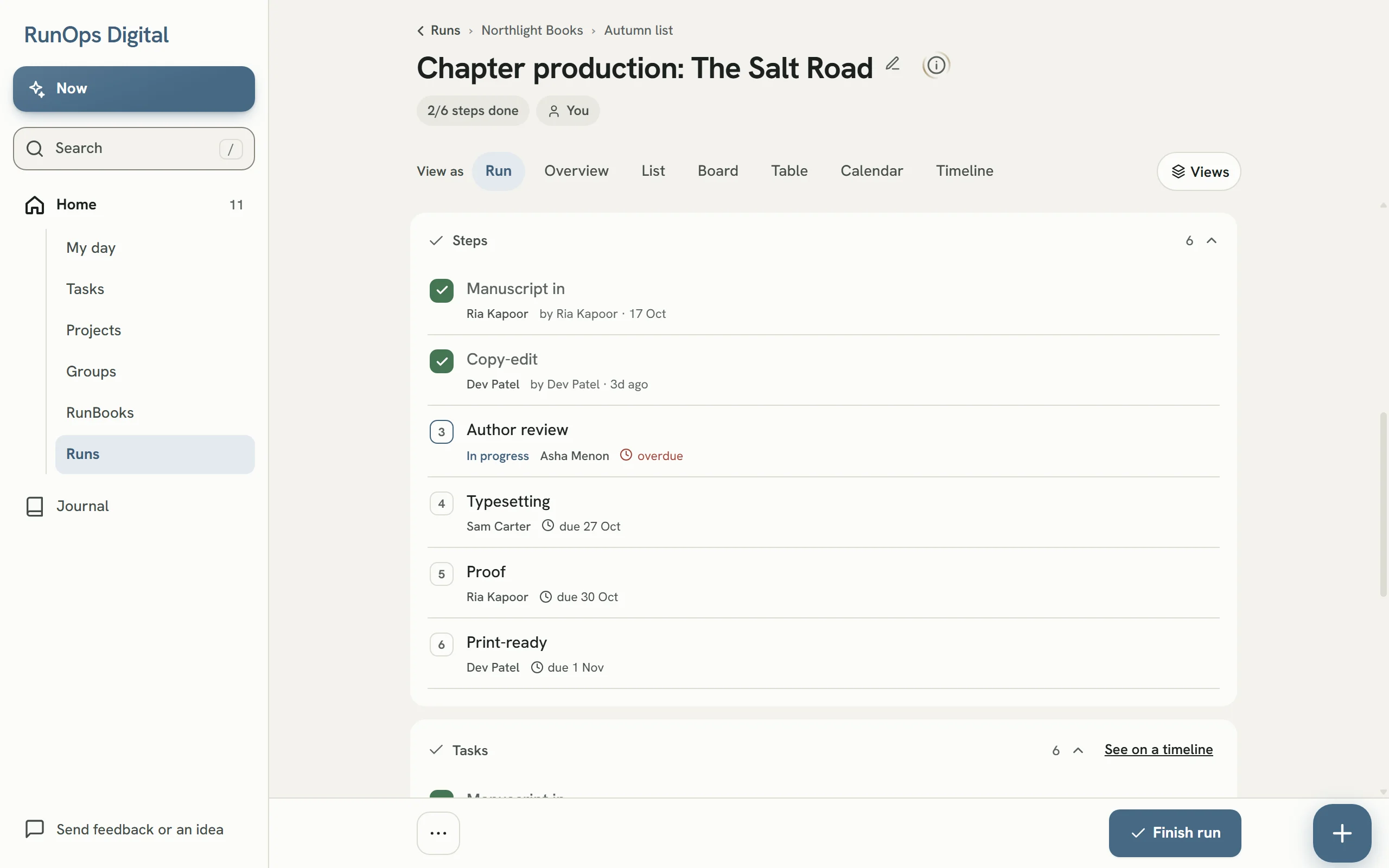
A spreadsheet is the usual due-date tracker, stock list and run-sheet, and Excel is the standard for calculation. A tracker only records: it cannot tell anyone it is their turn, or chase. RunOps Digital does both. Your numbers stay in your sheet, and RunOps Digital keeps the steps, the names and the follow-ups, so the people in the sheet actually act.
Choose RunOps Digital when…
- Your tracker lists who owes what and you chase each person yourself.
- The same job comes round again and you copy the sheet and edit the dates. Write the steps once as a RunBook and start it each time; 30 ready-made ones to copy.
- People outside your team need to do a step without opening your file.
Keep Microsoft Excel for…
- The work is about numbers: formulas, large tables, analysis.
- You need a sheet to calculate, not to chase.
Side by side
| What is compared | Microsoft Excel | RunOps Digital |
|---|---|---|
| Calculation | Excel's help covers formulas and functions such as XLOOKUP, VLOOKUP and IF. | Your numbers stay in your sheet; RunOps Digital gets the people in it to act. |
| Summarising data | Excel's help covers PivotTables and PivotCharts. | Its tasks as a list, board, table, calendar or Gantt. |
Where this comes from
Each claim about Microsoft Excel was read on its own site; the address and the date are given with it.
- Excel's help covers formulas and functions such as XLOOKUP, VLOOKUP and IF. support.microsoft.com, read 2026-10-29.
- Excel's help covers PivotTables and PivotCharts. support.microsoft.com, read 2026-10-29.
Questions
Can I use Microsoft Excel and RunOps Digital together?
Yes. Keep Microsoft Excel for what it does well and use RunOps Digital for the jobs that need other people to act and be chased.